
Create and edit content in a Library#
Note
Users must have Library Author, Library Contributor, or Library Admin permissions on a library to edit content. See Manage Library User Access for more details.
Libraries contain the same rich editing interfaces that are available in courses. Content can be edited and updated at any time.
To create new content:
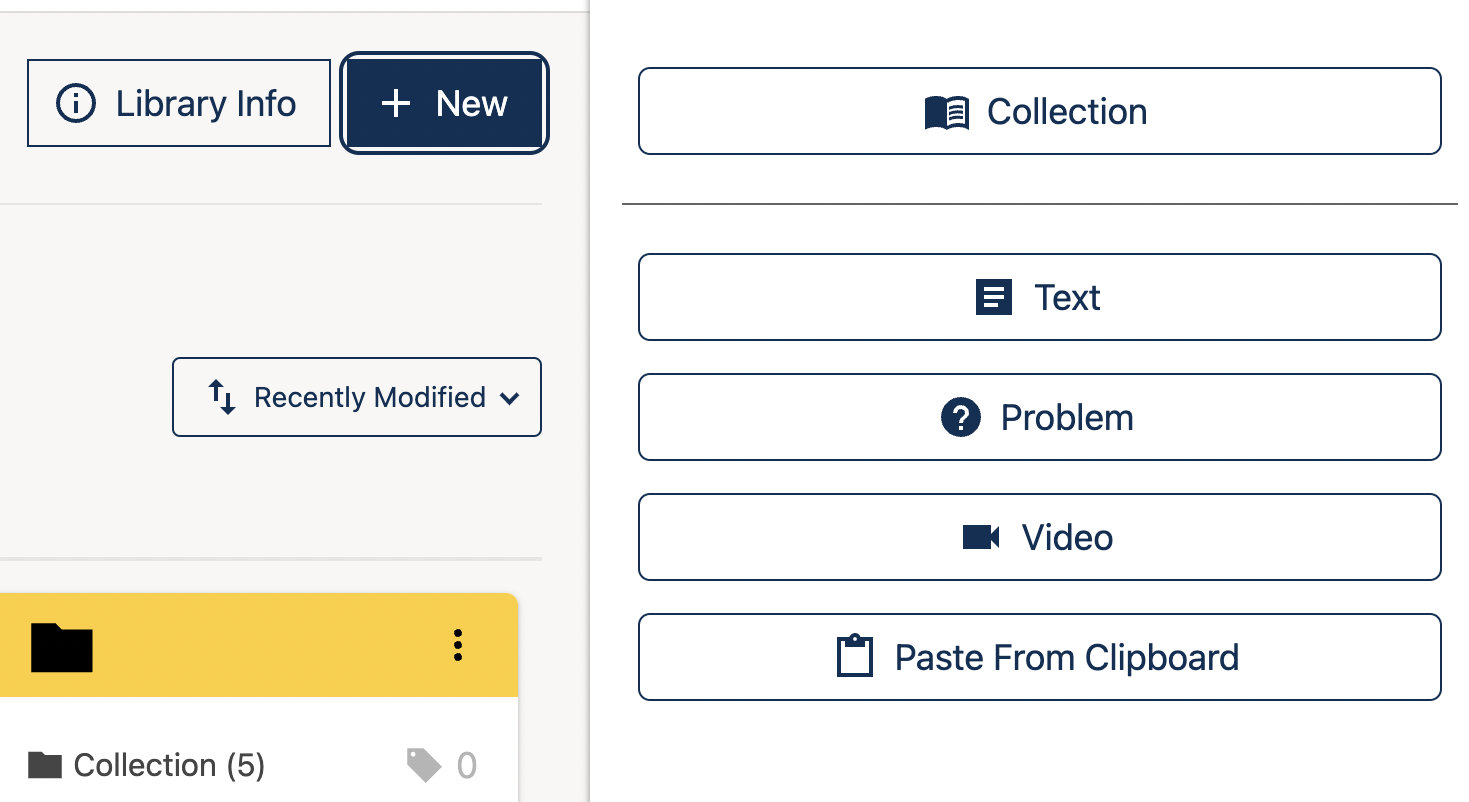
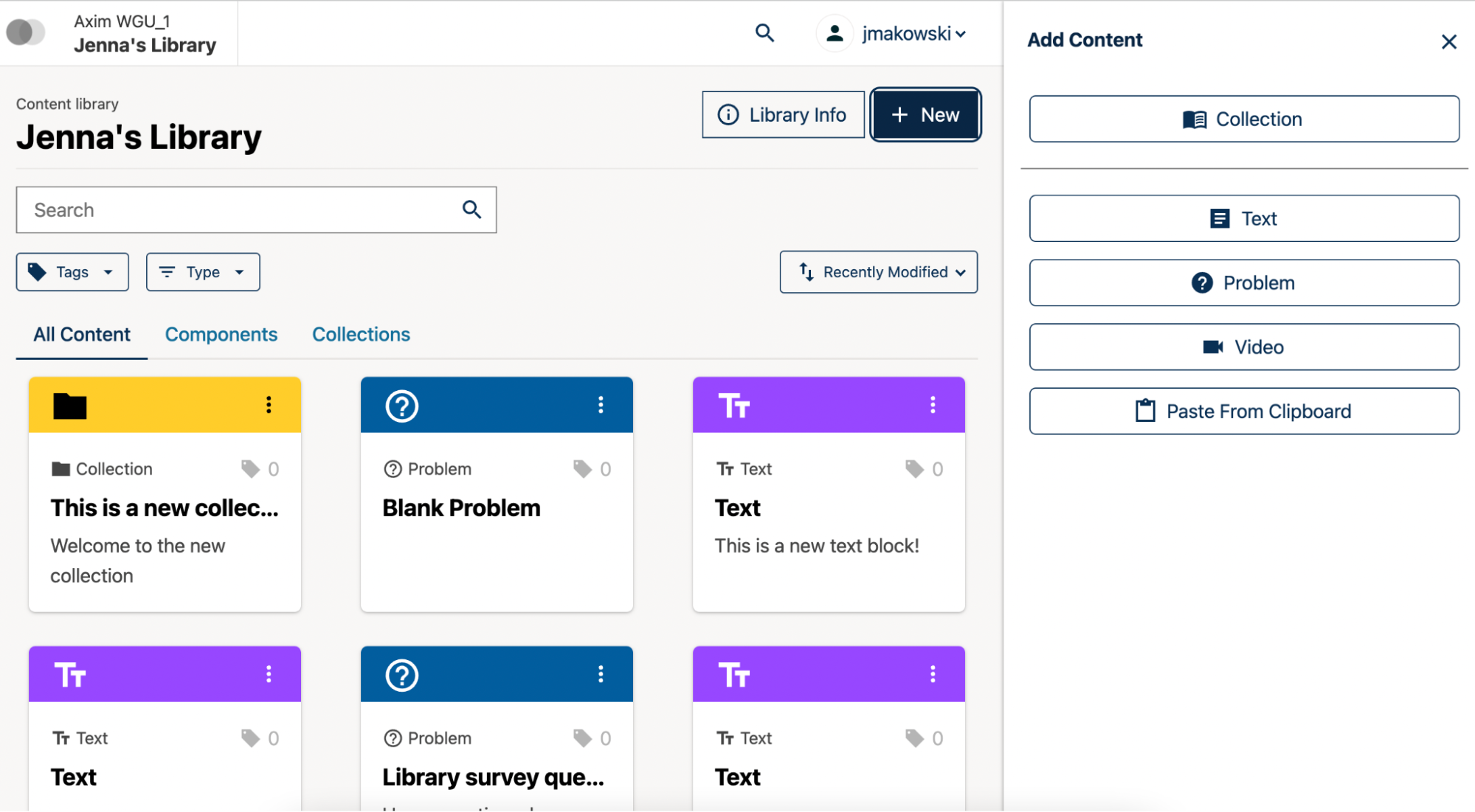
Click on the New button at the top of the page. The Add Content sidebar will open.
Click on the “Text”, “Problem”, or “Video” button from the Add Content sidebar
The requisite editor will open and you can create your content.
Click Save and the new content will now display in your Library.
See also
Build a Collection in a Library
Create and edit units in a Library
Create and Edit New Subsections and Sections
Use content sidebars to manage content
Maintenance chart
Review Date |
Working Group Reviewer |
Release |
Test situation |
07/02/2025 |
Leira (Curricu.me) |
Sumac |
Pass |